AN IPHONE FASTING TRACKER WITH DOSE-DATE CONTEXT
A fasting tracker
for your routine.
Track your fasting windows, log the dose dates you choose, and keep your daily notes in one calm place on your iPhone.
Start and end a fast on your terms. Keep the complete history without a subscription.
Explore the tracker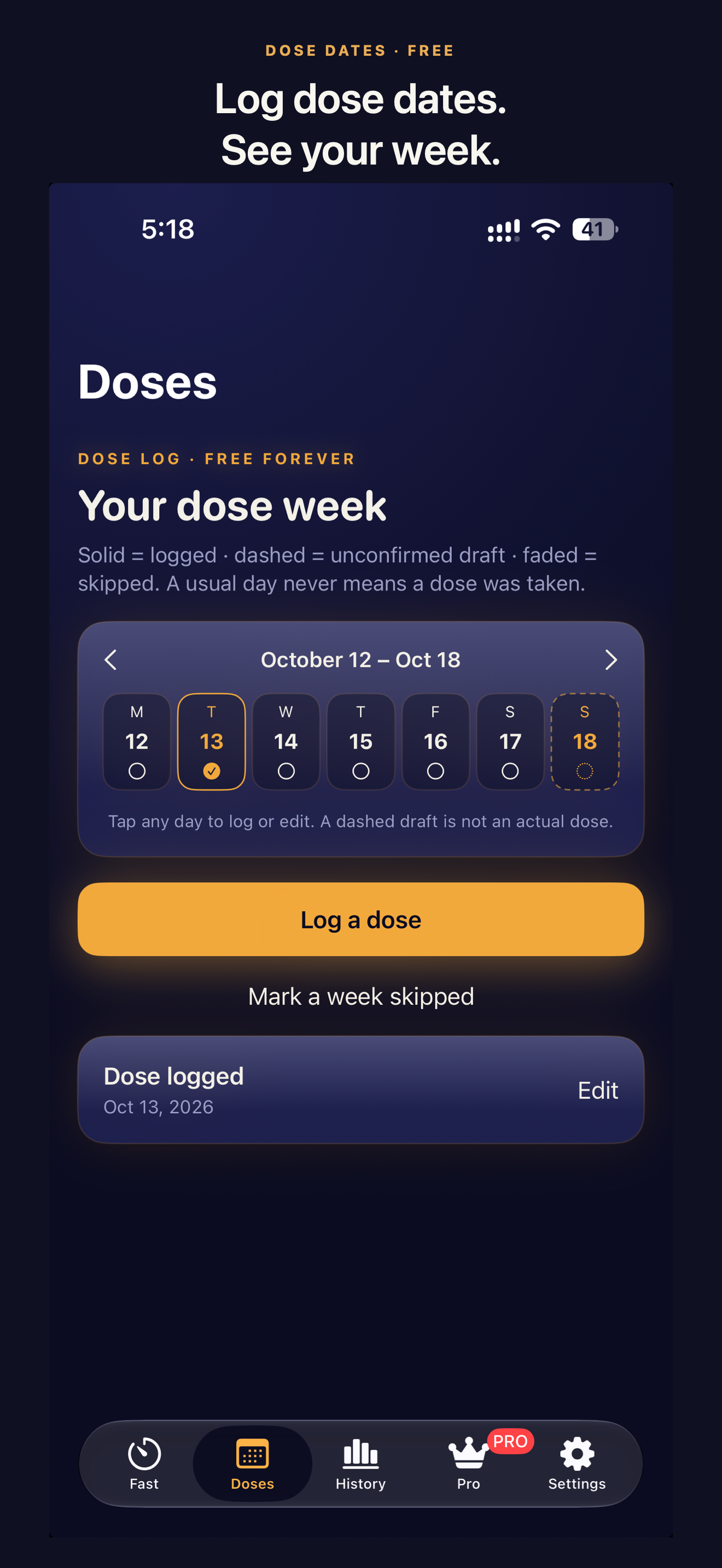
THE ESSENTIALS · ALWAYS FREE
A little more clarity.
A lot less assumption.
Keep track of what actually happened—not what a schedule suggests should have happened. Your fasting timer, complete fast and dose history, basic summaries, and personal records are available without Pro.
01 / DOSE DATES
A calendar for the dates you log.
See your dose week at a glance, log a date when you choose, and edit your own entries. Your usual injection day can be a draft or reminder, but the app never assumes you took a dose because that day arrived. A skipped week stays distinct from a logged dose.
Included for everyone02 / FASTS & DAILY LOGS
Your window.
Your pace.
Start and end a fast yourself with a preset or custom window. The timer doesn't end your fast for you; optional local reminders simply let you know when your planned window ends. A Live Activity and widgets can keep the active timer in view.
Look back through your full fasting history, then review the water, protein and symptom entries you chose to make. Add manual weight entries; optionally allow read-only Apple Health access to view weight and workout information. Core tracking works without Health access.
Full history stays free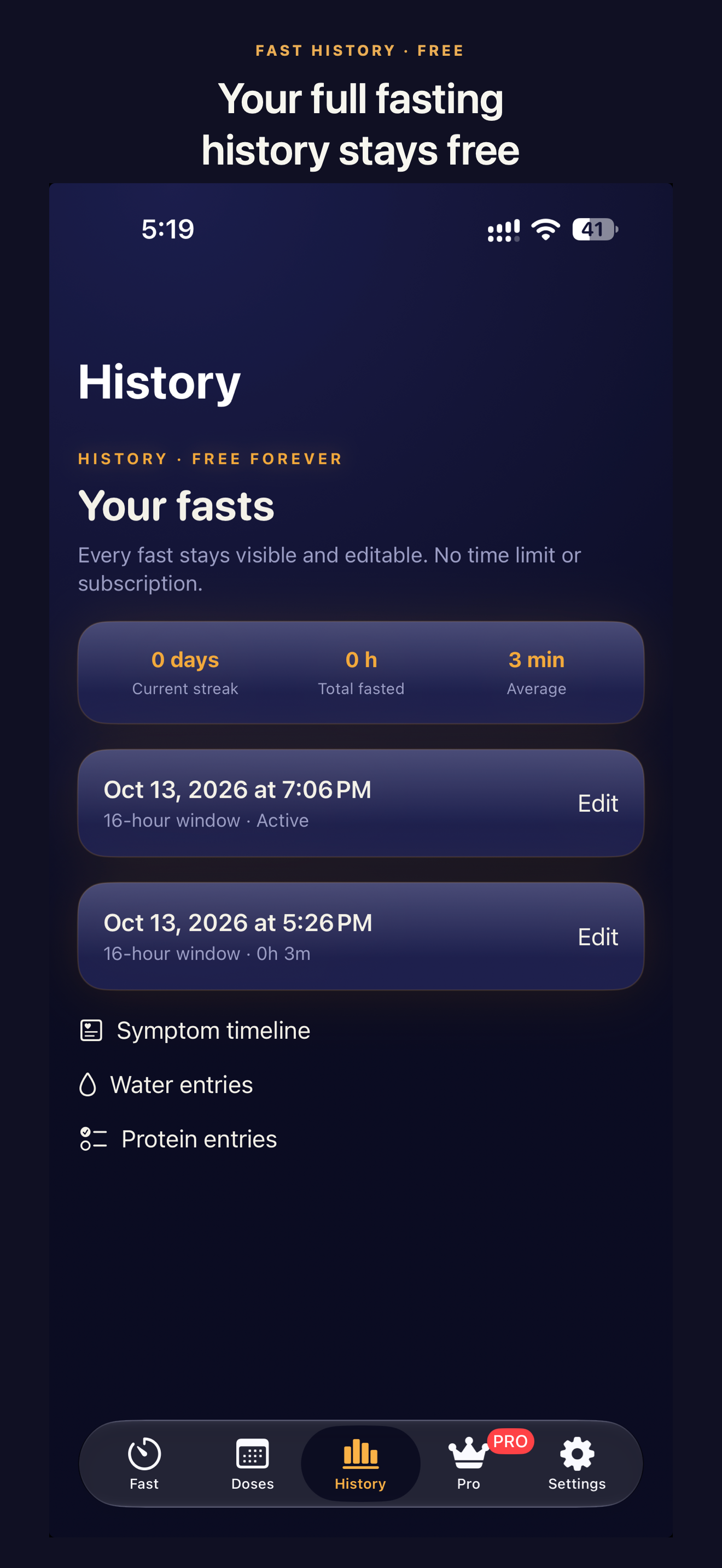
03 / YOUR DATA
Keep your records in your hands.
Your records live on your device. There's no account to create and no third-party analytics. Export your entries as CSV or save a full JSON backup; restore your records from a JSON backup when you choose. History and backup access remain free even if Pro ends.
Exports are shared or saved only at your direction. If you choose another destination for a file, that destination may store or transmit it. Apple Health readings are read-only and are not included in CSV exports or JSON backups.
Read the privacy policy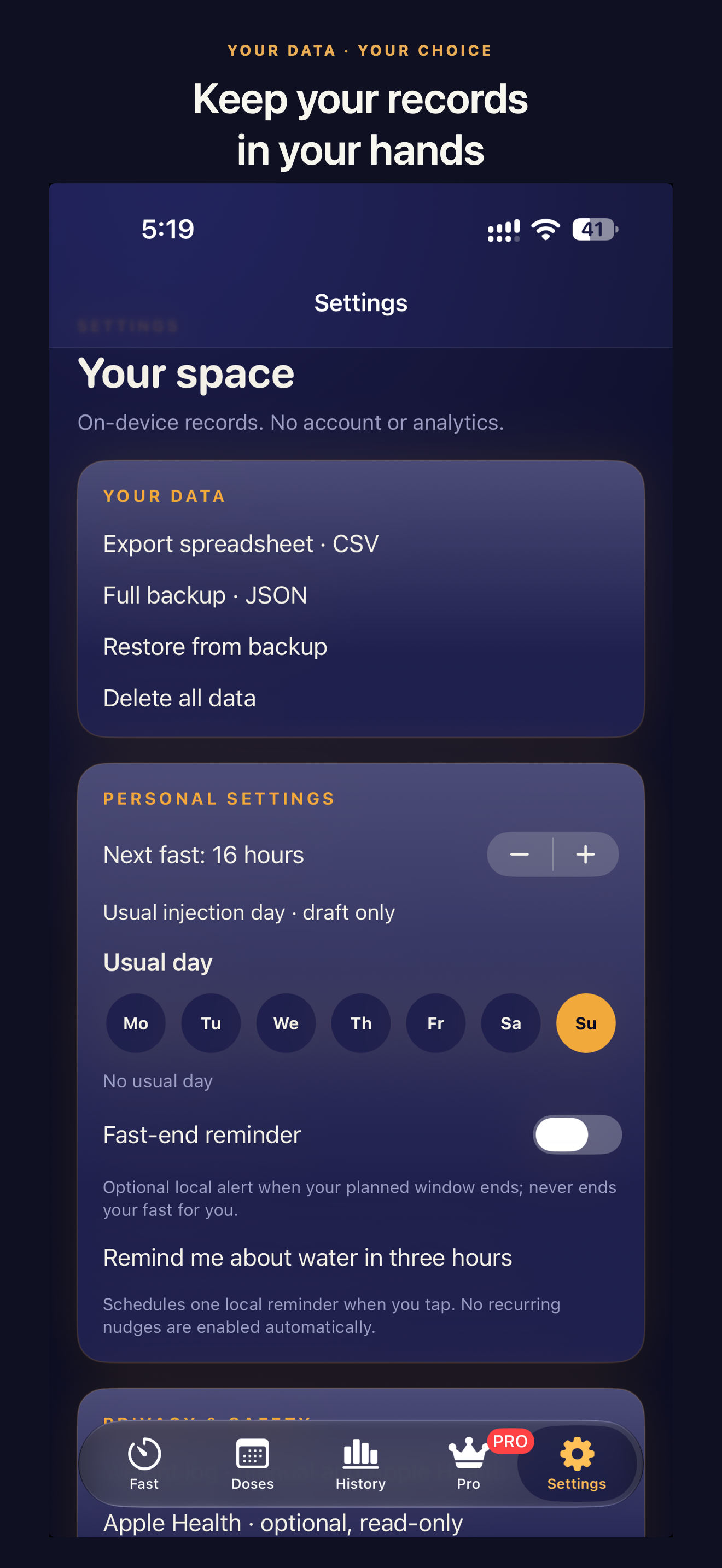
MORE ROOM TO PLAN · OPTIONAL PRO
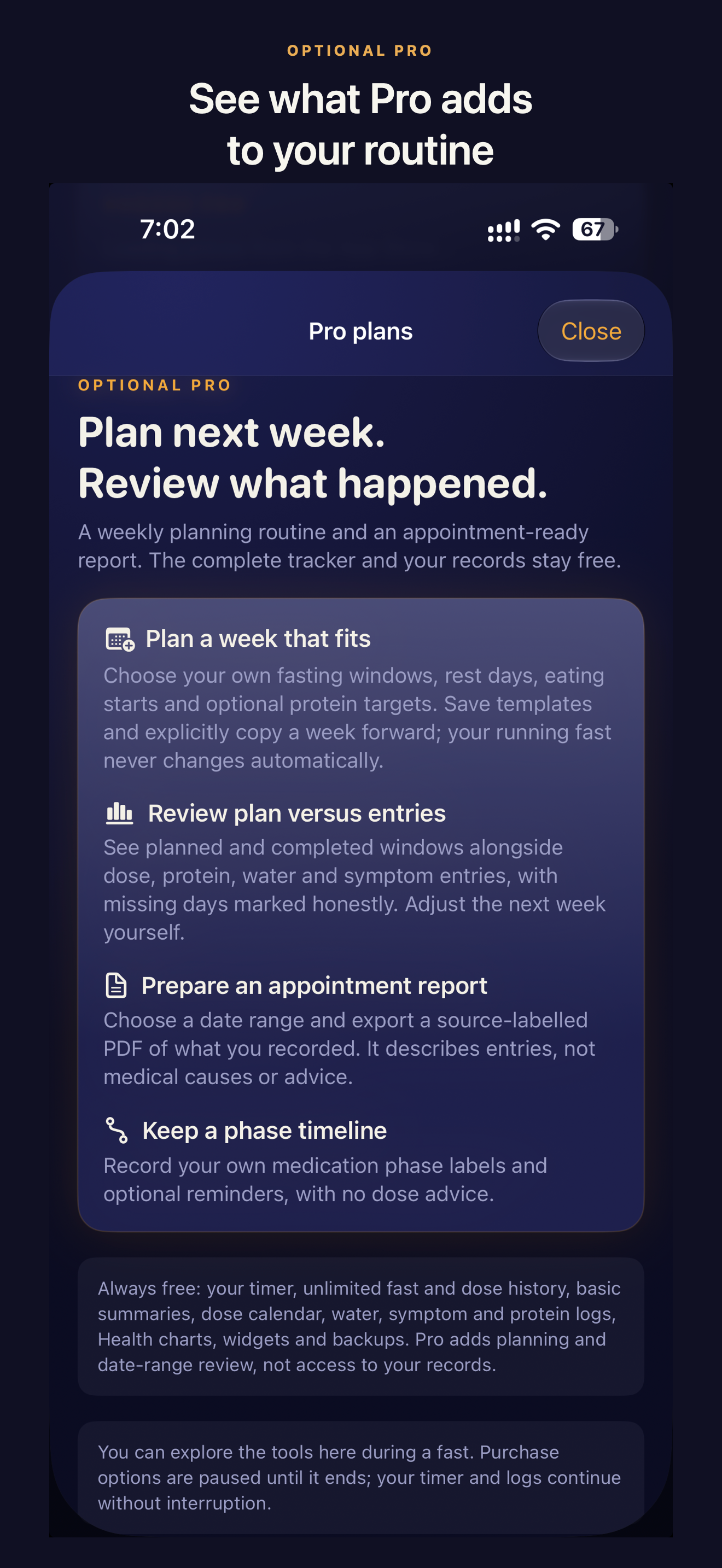
Plan ahead. Review what happened.
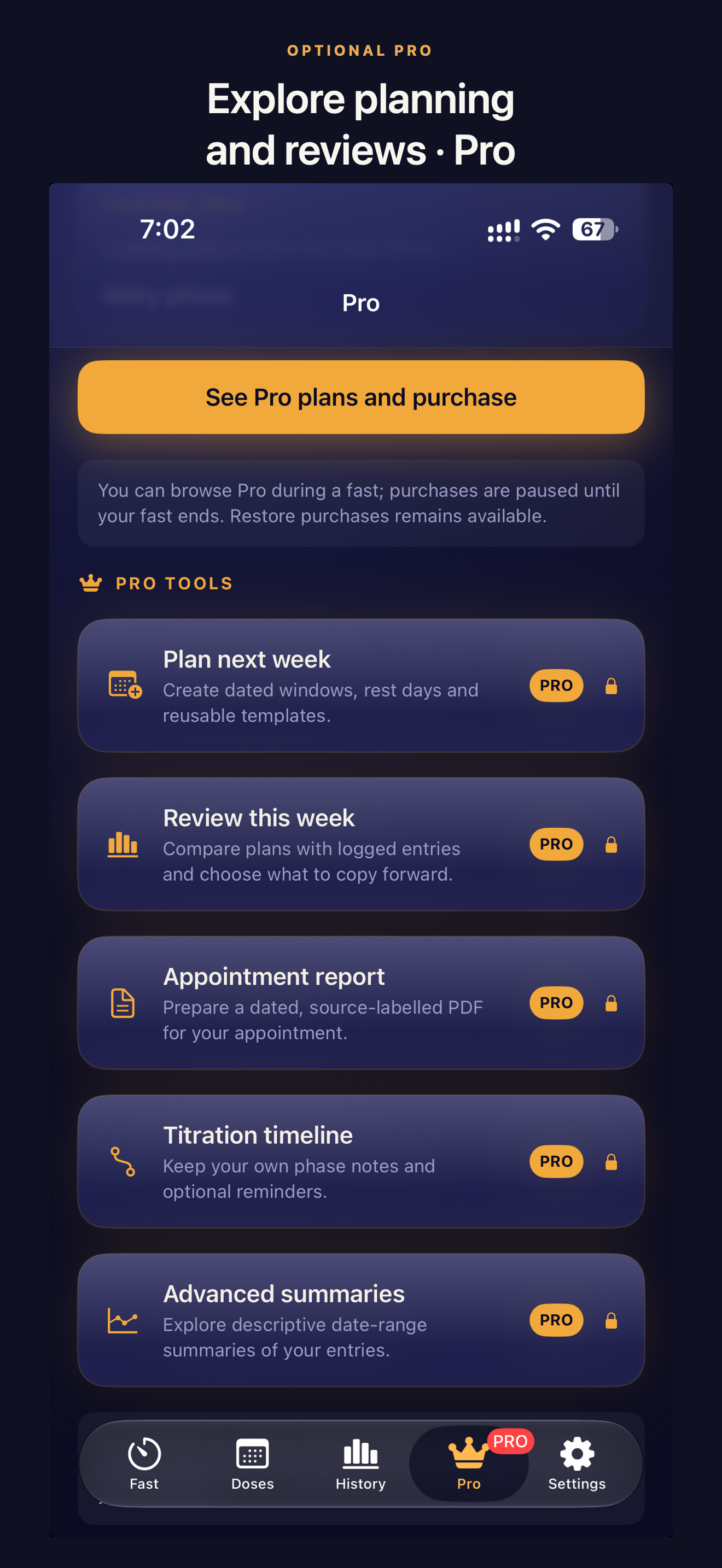
The complete tracker is free. Pro adds tools for the weeks you want to think through in more detail—not a gate on your records.
Make a week that fits.
Set dated fasting windows and rest days, save templates and decide when to copy a plan forward. Your running fast never changes automatically.
See the plan beside your entries.
Compare a planned week with what you actually logged. Descriptive date-range summaries show your own records, without judgments or treatment recommendations.
Prepare for an appointment.
Choose a date range and make a source-labelled PDF of your records to bring to a clinician. It describes entries—not medical causes or advice.
Keep a phase timeline.
Record the medication phases you enter, with your own labels and optional reminders. It does not recommend medication doses.
Pro is optional: monthly or yearly auto-renewing subscription, or a one-time lifetime purchase. Prices are shown in the app in your App Store currency. No subscription or trial is needed to start tracking. Purchases can be restored separately from your data backup.
A QUIETER WAY TO KEEP TRACK
You choose the window.
You keep the record.
For informational purposes only. GLP-1 Fasting does not provide medical advice, diagnosis, treatment, or medication-dose recommendations. Consult your clinician before changing your eating patterns or medication routine, especially if you feel unwell.
GET IN TOUCH
A question?
Write to us.
For questions about the app, its features, or your privacy, use the form below.