Point and keep moving.
Recognize text through the iPhone camera and place translations close to the original. Where recognition or positioning is unreliable, the original remains visible.
Point your iPhone at a menu, sign or label. Ghost Translate fits the translation where the words live—so you stay in the moment.
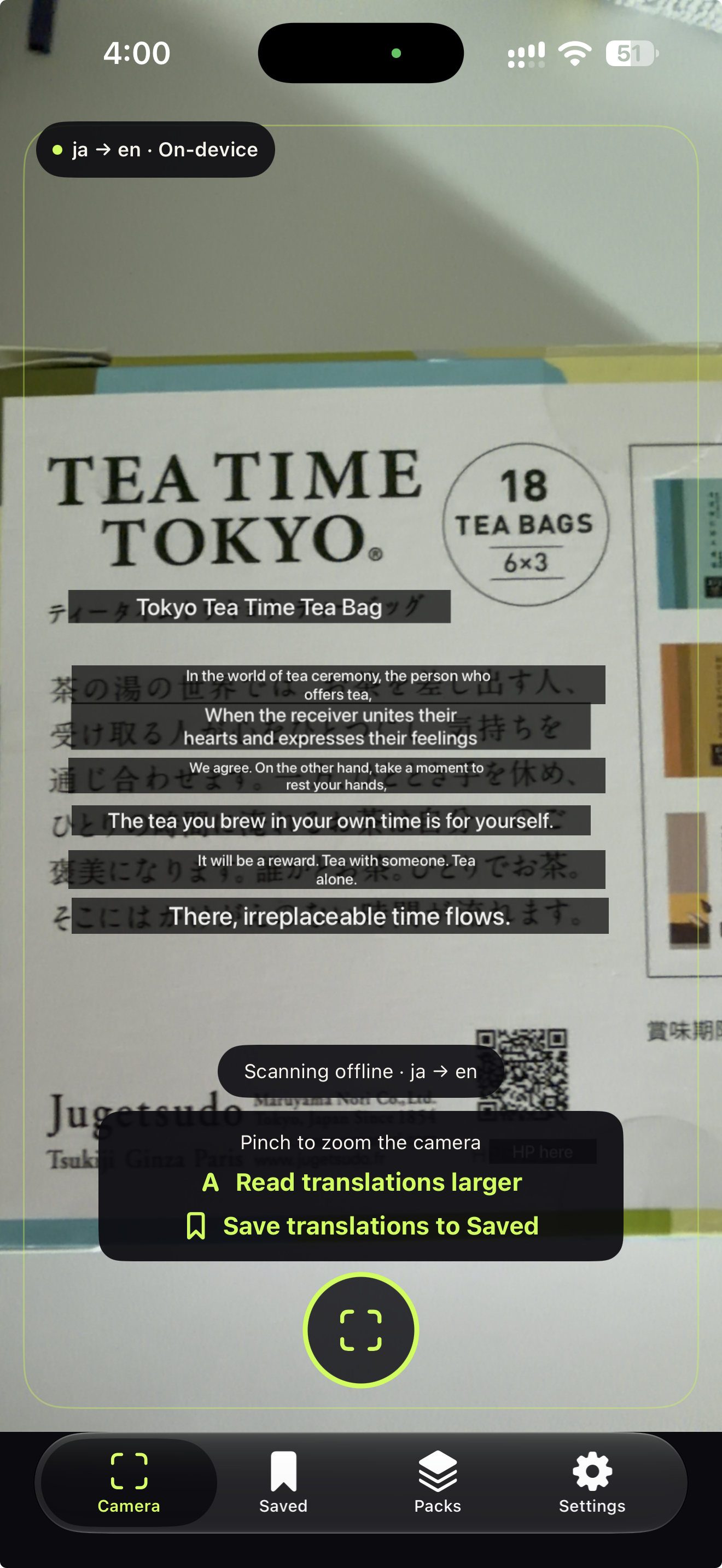
Translation should feel like part of what you're looking at, not a task you have to stop and perform.
Recognize text through the iPhone camera and place translations close to the original. Where recognition or positioning is unreliable, the original remains visible.
Freeze a frame, inspect original and translated text side by side, or open a larger reading view. Nothing is saved to your photos unless you choose to export it.
Save translated text to your phrasebook. Revisit it on iPhone; with the companion installed, read saved phrases on Apple Watch and play the original aloud.
Explore Freeze, Saved, language packs, and Settings.
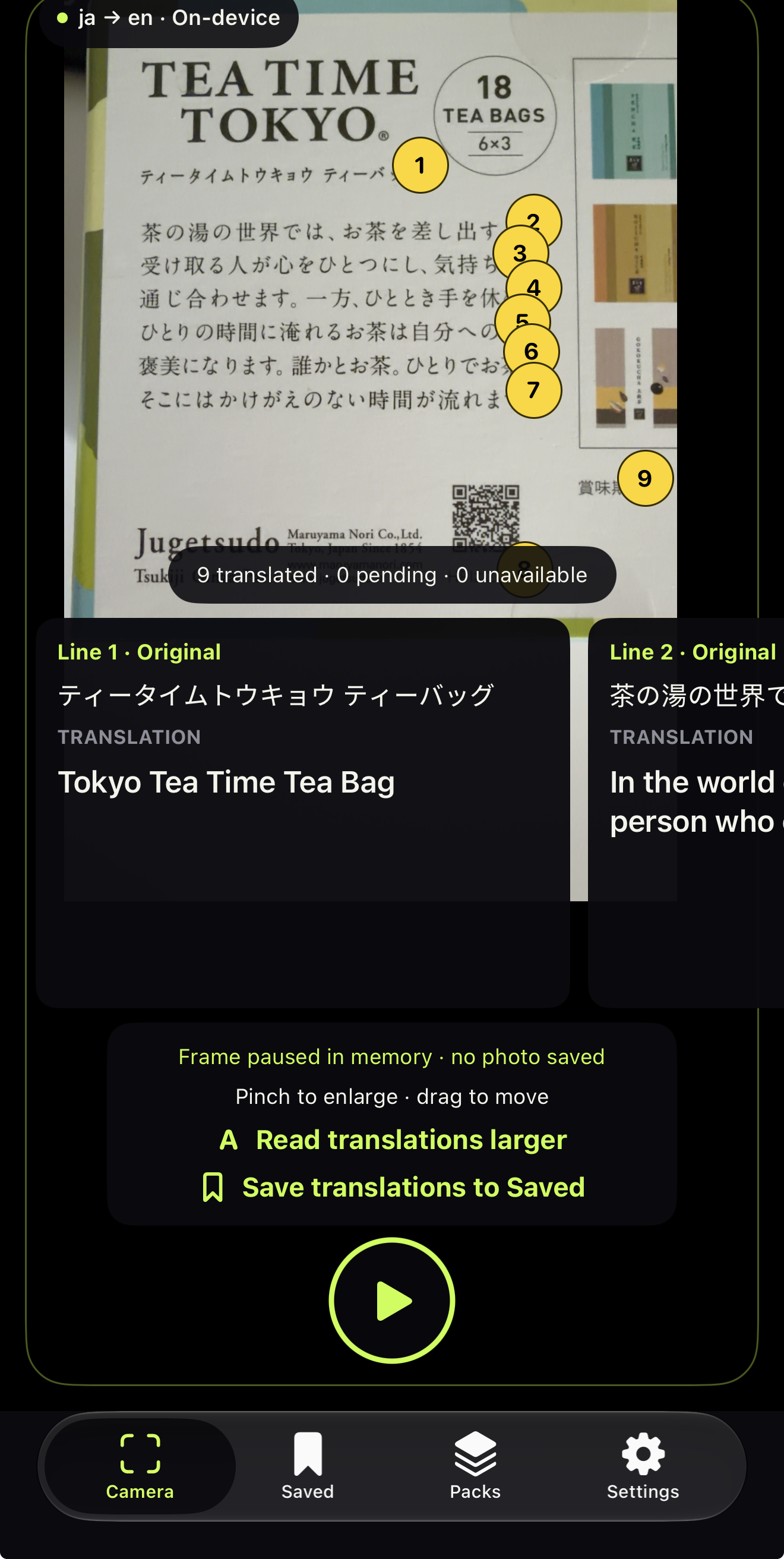
Numbered source lines and their translated cards.
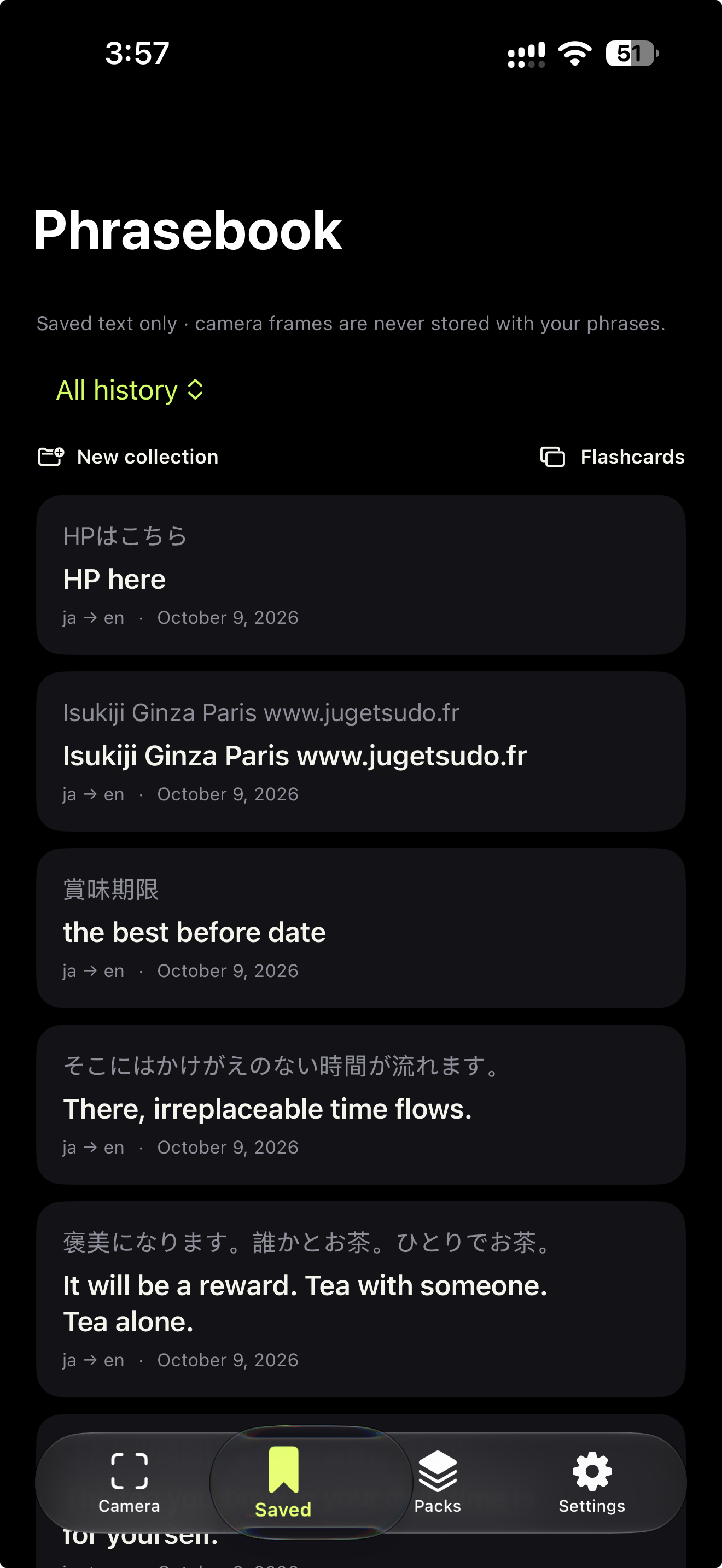
Original and translated text kept in the phrasebook.
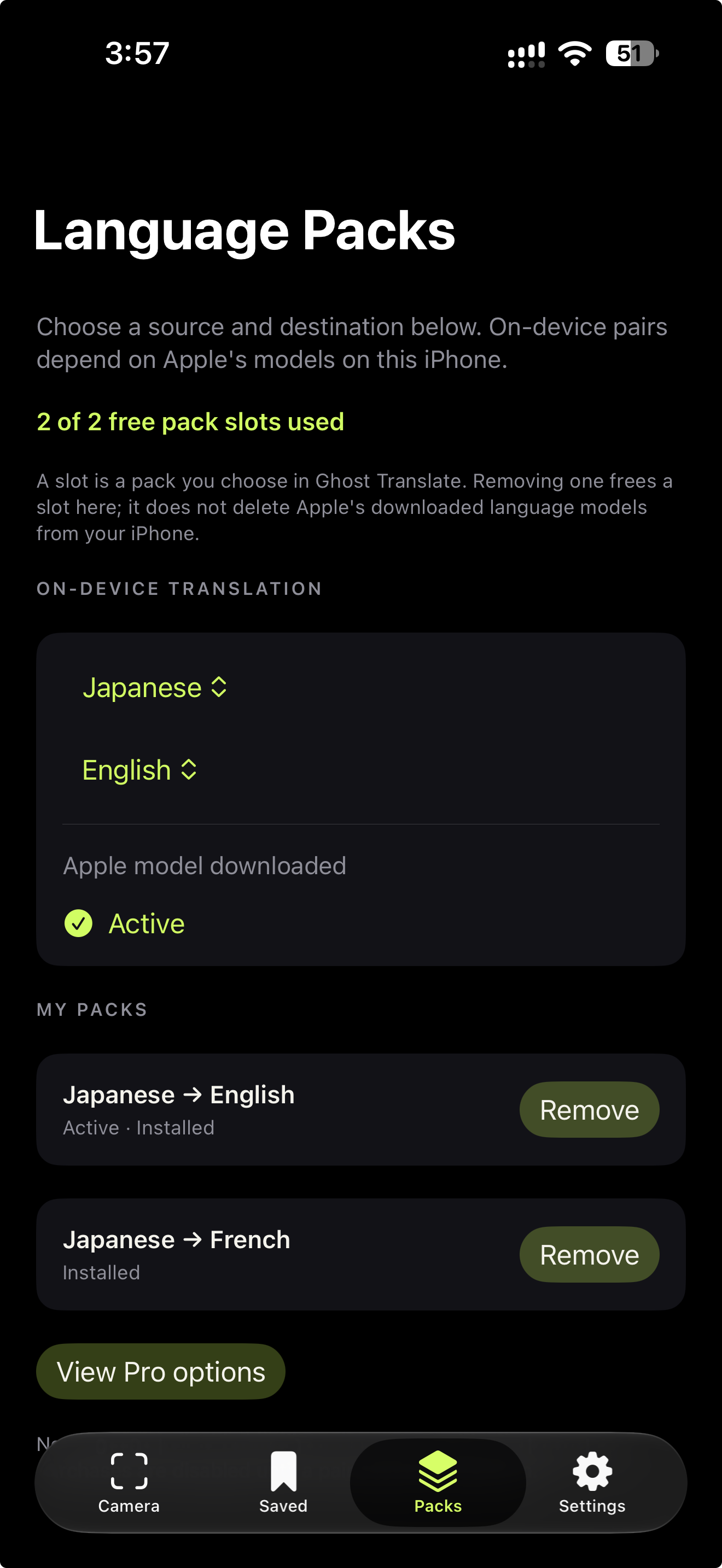
Pick from the on-device pairs available on your iPhone.
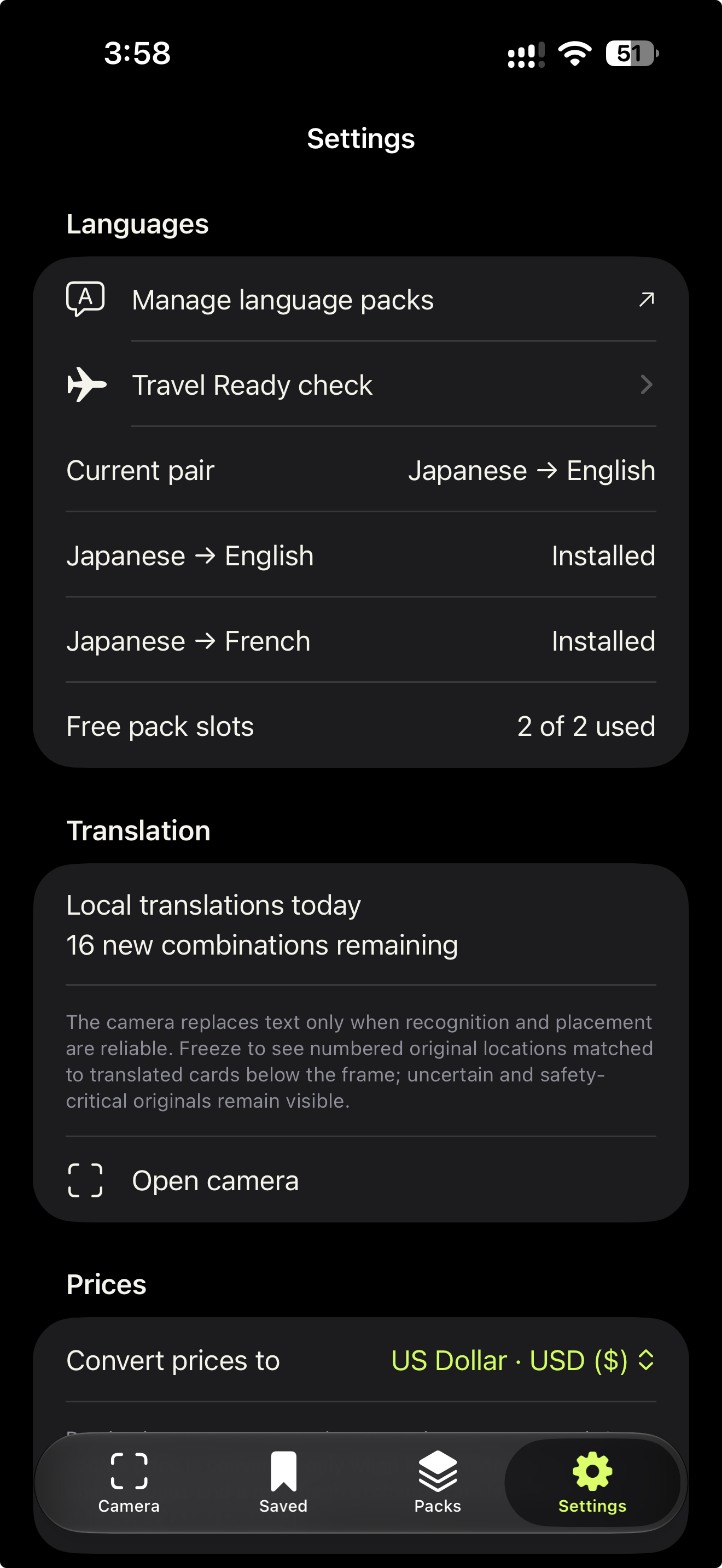
Manage packs, the daily meter, and price preferences.
Ghost Translate uses on-device text recognition and translation. It doesn't upload camera images or recognized text to a Ghost translation server.
See the world differently. Keep the data where it belongs.
One honest Pro tier for people who use camera translation more often. Plans are purchased in the app, not on this page.
Two selected on-device language pairs and up to 50 distinct successful translations per day.
Remove the daily limit and two-pack selection limit for eligible on-device pairs. Choose a monthly or yearly subscription, or a one-time lifetime purchase. Actual prices are shown in-app by the App Store.
Tell us what you're curious about, what isn't working, or where Ghost Translate could make a difference.